CUFE Companion
Your Cairo University engineering portal, made for your phone.
Free. Sign in with the same code and password you use on the student portal (std.eng.cu.edu.eg).
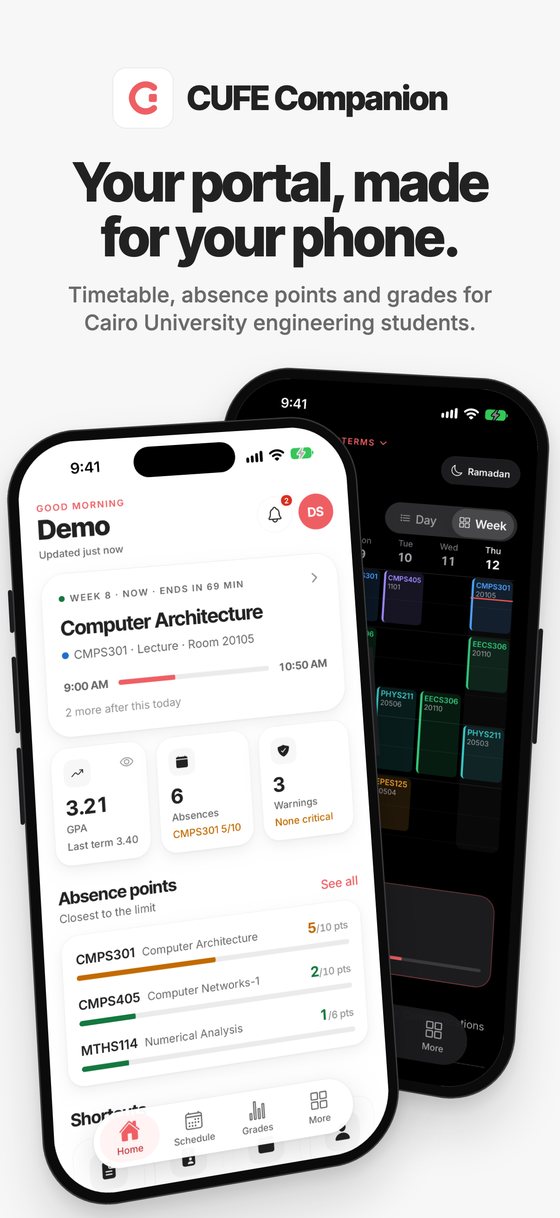
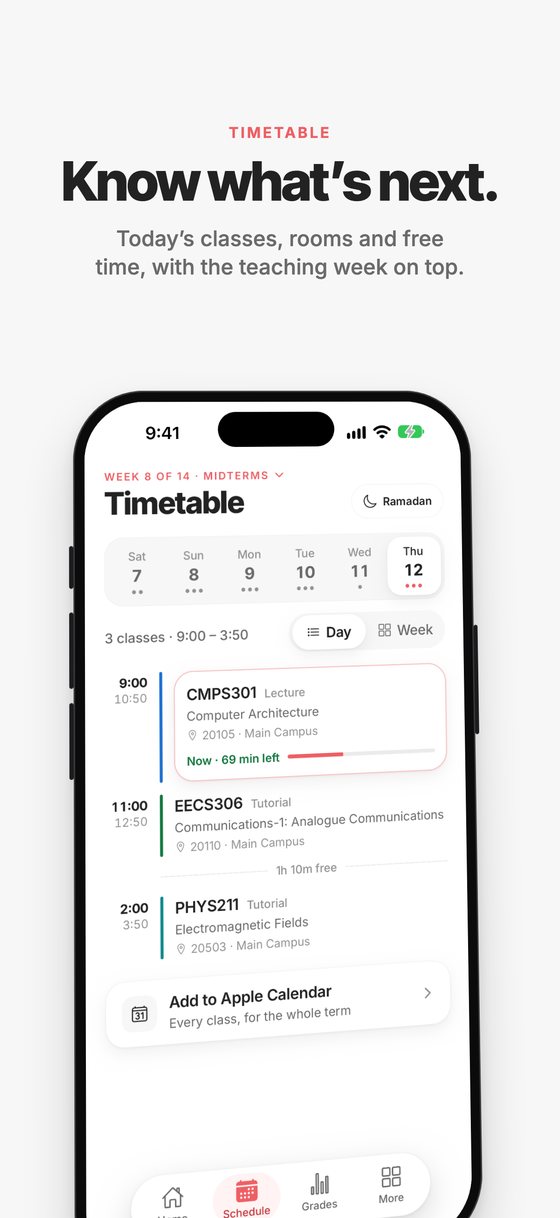
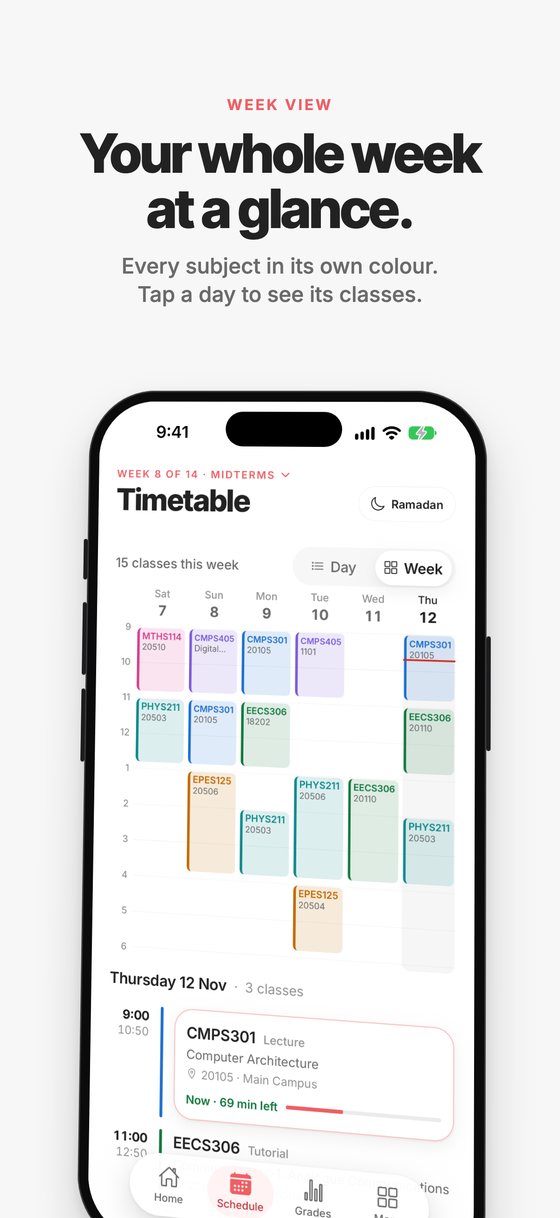
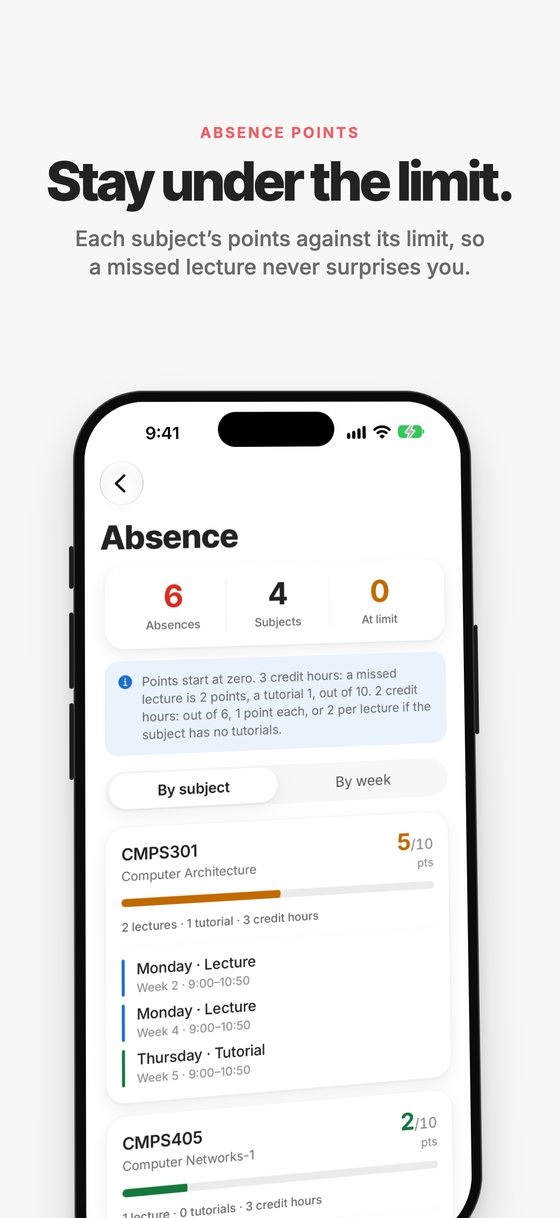
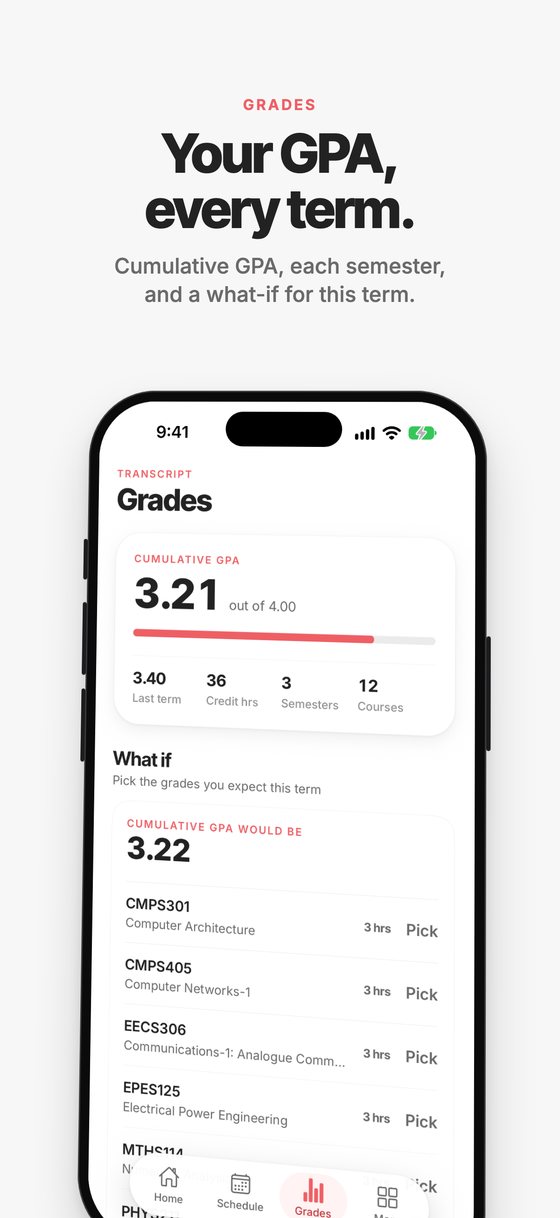
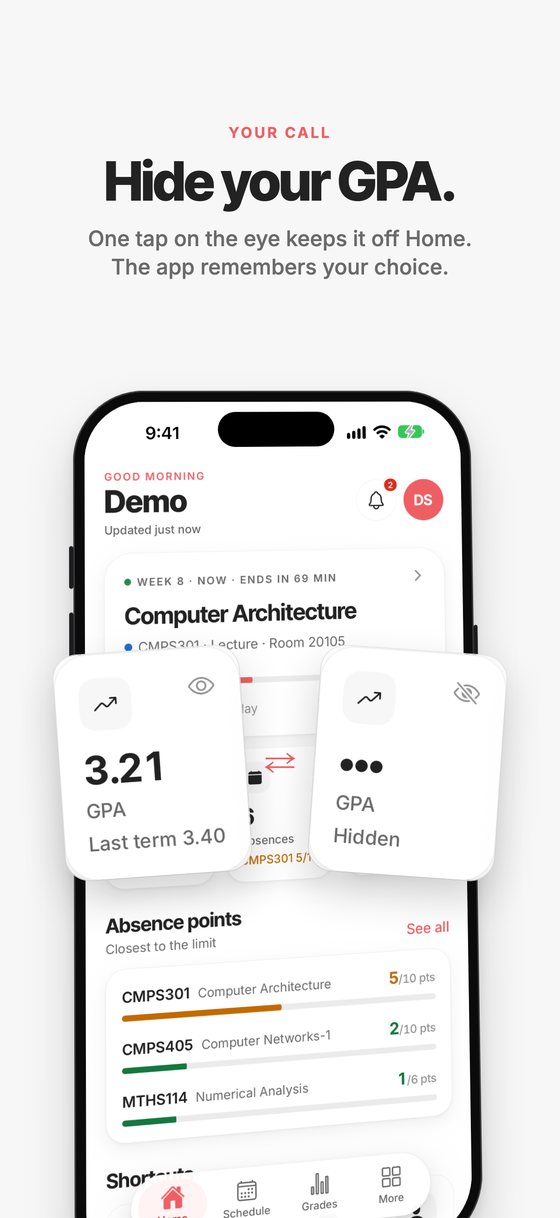
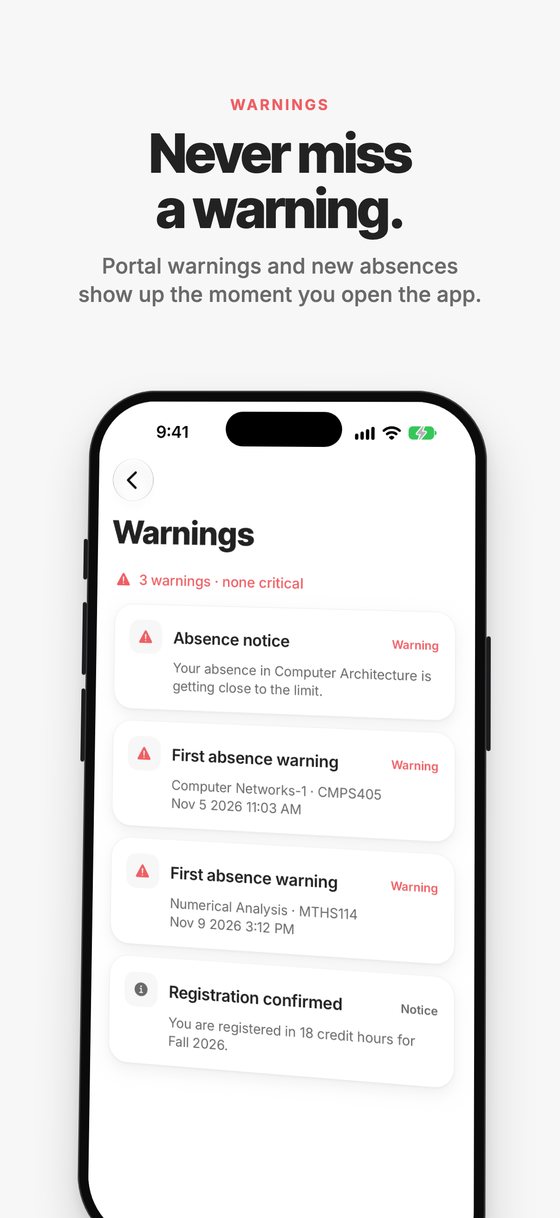
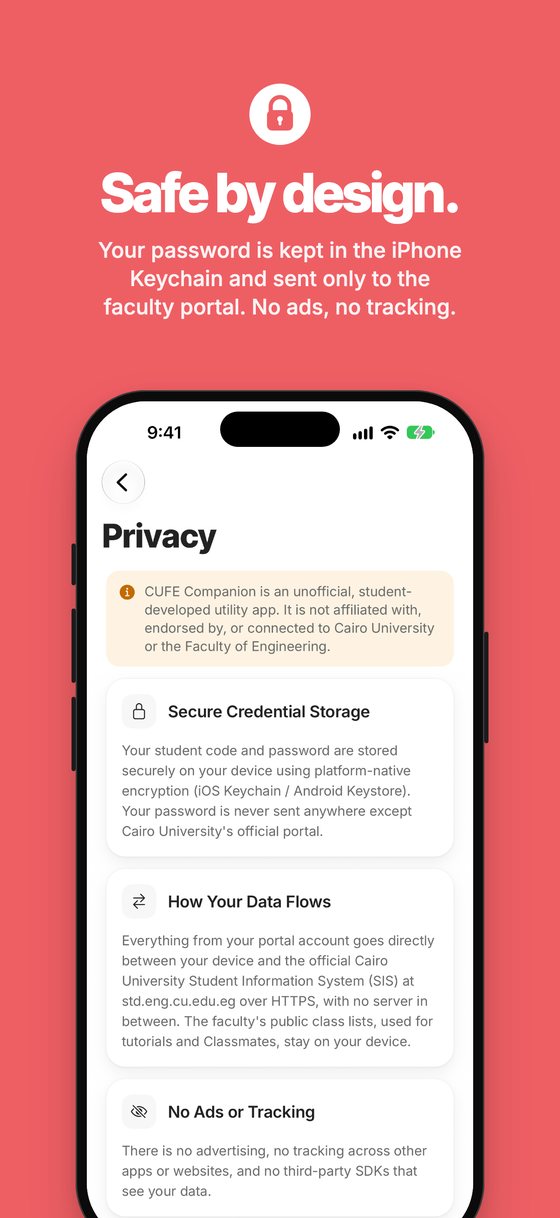
Everything from the portal, without the portal
Android: early access on Google Play
Google lets new apps go public only after a two-week test, so for now Android takes three quick steps. Use the Gmail that's on your phone.
- Join the testers group
Tap Join group.
Open the group - Become a tester
Come back here after joining, then tap Become a tester.
Open Google Play testing - Install
Tap Download it on Google Play, then Install. Keep it installed and open it now and then for two weeks; that's what gets it public for everyone.
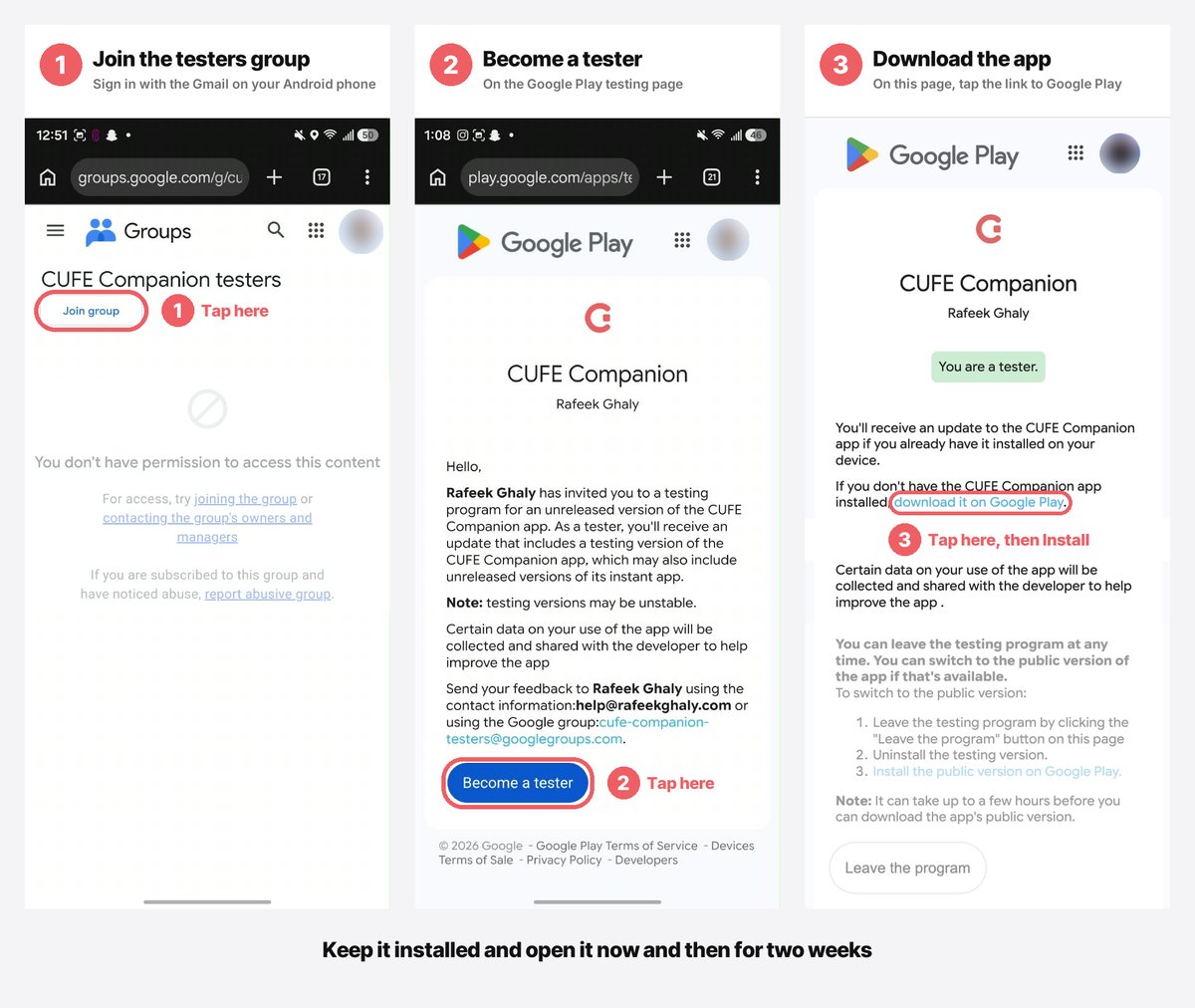
أندرويد: ١) افتح الجروب بنفس الـGmail اللي على موبايلك واضغط Join group. ٢) ارجع هنا وافتح Google Play testing واضغط Become a tester. ٣) اضغط Download it on Google Play ونزّله، وسيبه متنزل لمدة أسبوعين.
CUFE Companion is made independently by a student, Rafeek Ghaly, and isn't affiliated with Cairo University. Your password stays on your phone and goes only to the faculty portal.
Privacy policy · Terms of service · Support · help@rafeekghaly.com